How it Works Slider

An ecosystem that
connects every business

Shop2Shop connects traders and suppliers
to make business growth simple and secure.

An ecosystem that connects every business
Grow your business simply and securely with Shop2Shop.

Get started in four simple steps

Order your device

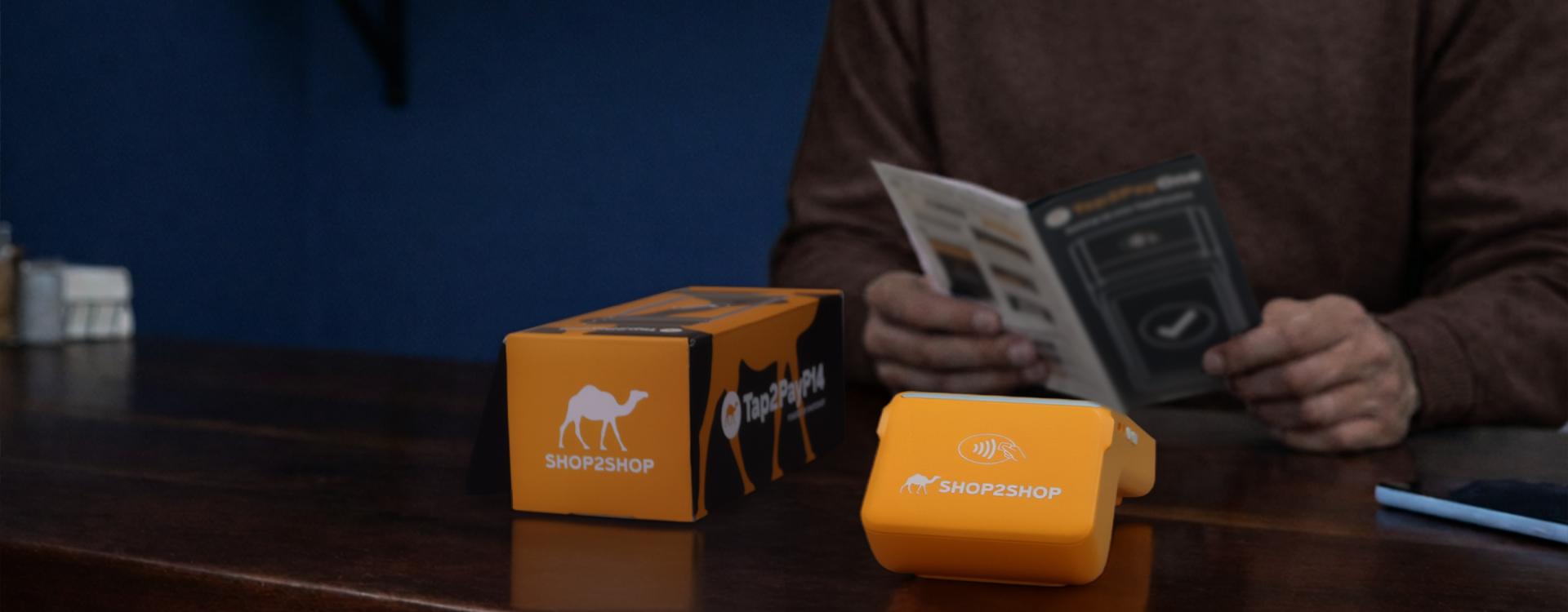
Choose from our range of Tap2Pay devices available on our online store.

Download the app

Download and install the latest Shop2Shop app on your mobile phone.

Register your business

Create a profile to register your business on the mobile app.

Start trading smarter

Link your device to your profile and start trading immediately.

The Shop2Shop ecosystem runs on three apps

All three applications power the Shop2Shop ecosystem and we continually introduce new services and products to power South African businesses.
The Shop2Shop App

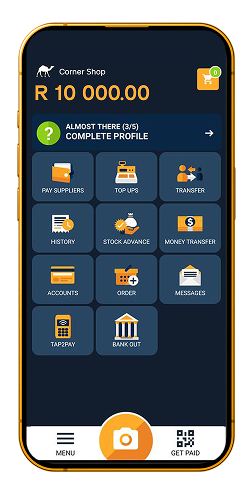
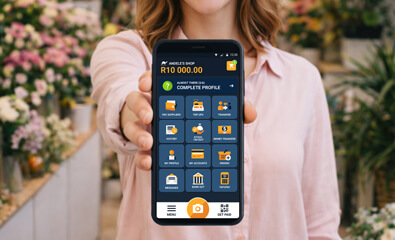
Download this app on your phone which is your business command centre. Manage your shop, pay suppliers, track sales, request funding, and send money internationally. Download and set up your shop while you wait for your device to arrive.

The Tap2Pay App

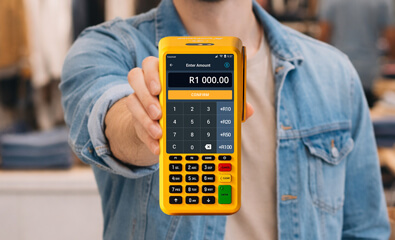
Preloaded on your device so you can start processing all card payments as soon as you receive your device. Every transaction processed on your device will instantly reflect in your Shop2Shop account. You can transfer payments accepted on your device to your linked bank account.

The Profit+ App

Also preloaded on your device and this is a vending tool. Sell airtime and data and earn commission on sales made on this device.

How to register with Shop2Shop

  1. Download and install the Shop2Shop app to register your profile.
  2. As a new user, select REGISTER and enter your name, email address and password and submit your details.
  3. Open your email inbox and click on the verification link we sent to your email address to proceed.
  4. Navigate back to the app and sign in with your email address and password.
  5. Enter your mobile number to receive your One Time PIN to sign in for the first time.
  1. Once signed in, select REGISTER SHOP to proceed.
  2. Enter your Shop Name and Contact Number and select DONE.
  3. Select SECURE ACCOUNT and provide your identification details.
  4. Upload an image of your identity document and a selfie.
  5. Enter your address or allow the app to use your location to complete your registration.
  1. In the Shop2Shop app, tap on MY PROFILE MY DEVICES LINK NEW DEVICE.
  2. Locate the unique barcode at the back of your Tap2Pay device.
  3. Scan the barcode with your phone or enter the code manually and tap on LINK to complete the steps.
  1. Your linked Tap2Pay device lets you accept card and contactless payments, redeem vouchers, process grant and bank cash outs.
  2. You can also register for Profit+ on your device to start selling VAS products like electricity, data, airtime, streaming, gaming, etc.
  3. Use the Shop2Shop app on your phone or the web to view your sales history, manage accounts, pay suppliers, send money and much more.Eligible Shop2Shop
  4. Traders may also qualify for stock advances, business insurance and rewards. Check your app for frequent updates.

Download the Shop2Shop app and start trading

Get the app, register your shop, link your Tap2Pay device and unlock an ecosystem that’s built to keep up with the way you run your business.

How to sell VAS with Profit+

Profit+ is a value-added services (VAS) solution by Shop2Shop that allows traders and small businesses to sell services like airtime, data, electricity and gaming vouchers directly from their Tap2Pay device.

Profit+ is available on the P2, P3, P14 and T6 devices. Once your device is set up, you can register for Profit+ and start trading and earning right away.

To register, open the Profit+ app on your Shop2Shop device and tap Register.

  1. Tap Yes to confirm self-registration.
  2. Fill in your shop’s details.
  3. Tap Register again to complete.

You’re now ready to sell VAS with Profit+.

Watch the video on How to Self Register for Profit+

Profit+ enables you to offer additional services to your customers, including bill payments, airtime and data sales. You also earn commission on products sold through Profit+, allowing you to generate additional income while offering greater convenience and positioning your store as a one-stop business solution.

If you have problems such as incorrect voucher prints or missing products, check the Troubleshooting section in your Profit+ app. You can also ensure your app is updated to the latest version for the best performance. You can WhatsApp our Care Centre for further assistance on: 062 467 5939.

Solutions that fuel your entrepreneurial journey

• Accept all major card and contactless payment methods
• Pay suppliers or get paid by other traders instantly from the app
• Top up and sell all major Value-Added Services
• Process cash send vouchers, grant payouts or bank out your cash
• Send money internationally and pay zero fees on transfers

Be the preferred supplier businesses can rely on

• Access to over 180 000 trusted businesses in the ecosystem

• Offer customers cashless and instant payment options

• Receive immediate payment settlements in the ecosystem

• Access Shop2Shop funded supplier loans for your customers

• Become a Rewards Partner offering rebates to grow foot traffic

FAQs

Learn more about how Shop2Shop works.

Shop2Shop is a payment solution that brings together everything you need to run your business. Our devices let you pay and get paid fast, sell VAS services and get business funding and insurance. It’s a simple and safe way for businesses in the formal and informal sector to grow with confidence.

Your shop code links all your personal, business information and device information. This means your sales history and balances are also linked to your shop code. You should avoid creating a new shop code unless you are starting a new business that is not linked to your current shop.

Our rewards programme is linked to your activity in the Shop2Shop ecosystem. For example, the more card payments you accept the greater your rewards will be. You also accumulate rewards by using Shop2Shop services like doing a money transfer the app, selling VAS through the Profit+ qualifies or taking a Stock Advance. In short, the more you use the Shop2Shop ecosystem to perform daily trading activities, the more you get rewarded.

You can pay a supplier directly from the Shop2Shop mobile app or on the Tap2Pay device. From the home screen, tap on PAY SUPPLIERS, and choose the supplier from the list. Enter the amount, your reference or invoice number and the shop account. Tap on PAY to complete the transaction. You can also select the GET PAID function next to the camera icon and your customer can scan your QR code. You can only redeem rewards like this, when you pay using Scan2Pay.

You can receive payments in person by presenting your shop’s QR code on the mobile app or Tap2Pay device. You can also send your QR Code to a debtor via WhatsApp. This payment method is available between Shop2Shop customers only and will reflect in the app immediately.

Still have questions?

Visit our support page for more information.